


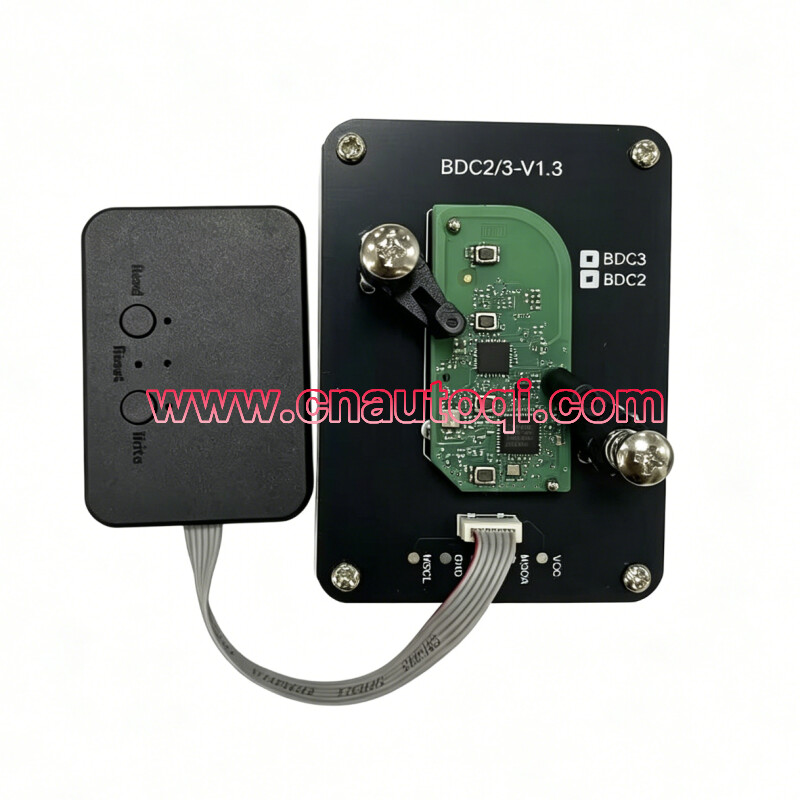

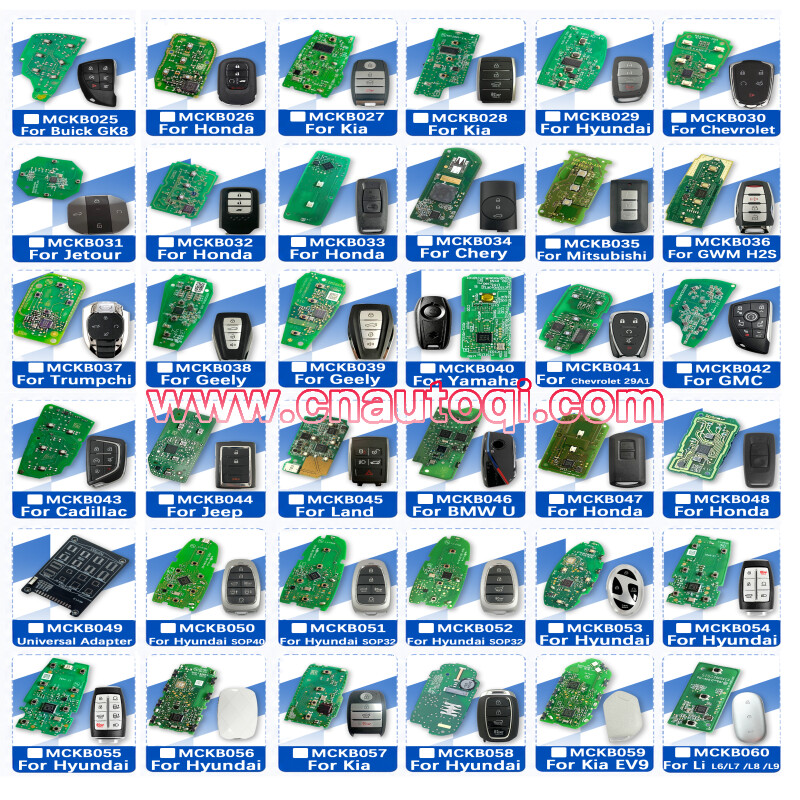
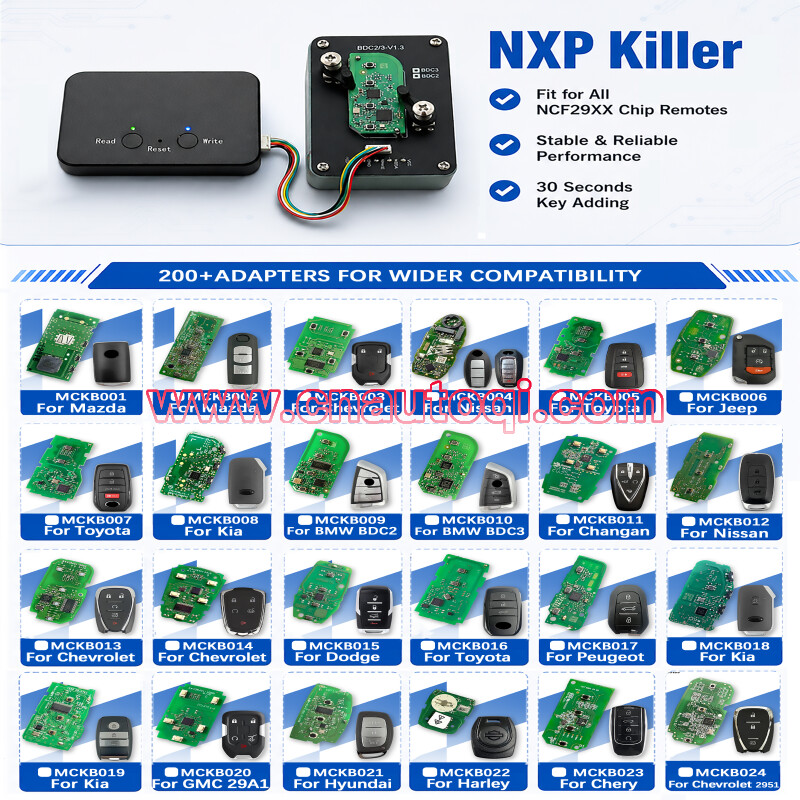

NXP killer(no need token)
Operation steps:
1. Read the original vehicle data. The white light will illuminate, then the green light will illuminate to indicate success/red light to indicate failure.
2. After replacing the key and writing data, the blue light will illuminate, then the green light will illuminate to indicate success.
Q: How do I check the remaining number of uses?
A: Connect to power and check the number of times the first green light flashes. The number of flashes indicates the remaining uses.
Q: How do I confirm a successful read?
A: After pressing the read button, the green light will stay on, indicating success.
Q: How do I confirm a successful write?
A: After pressing the write button, the green light will stay on, indicating success.
Q: Can I read only one original car key but write to multiple keys?
A: It's not recommended to do this. It's recommended to read and write one key at a time.
Q: Why does the red light appear when reading/writing keys?
A: The circuit board is not aligned with the adapter.
Q: Why does the tool not respond after the light comes on after connecting to power?
A: The power connection is unstable and needs to be reconnected.
Q: Can I solder the circuit board myself?
A: Yes, the package includes soldering wires for the circuit board.